


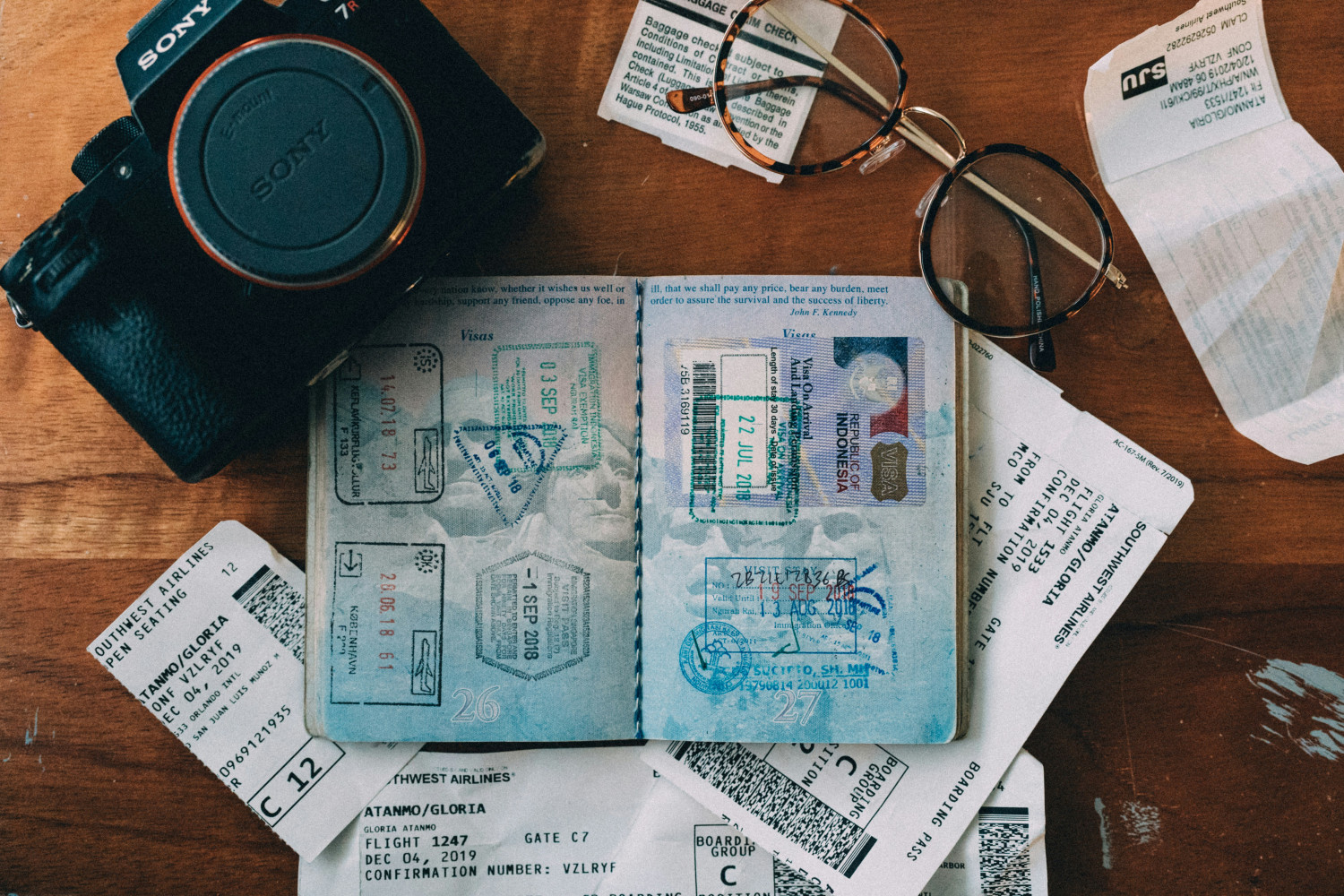
Preparing Travel Documents | Top Programs
Planning a trip is exciting, but preparing travel documents can quickly become stressful if you’re not organized. Passports, visa forms, photos, copies of documents, travel insurance, and reservations—suddenly, there is a long list of things you need to prepare before departure.
Fortunately, modern software makes this process much simpler. Instead of running between photo studios, copy centers, and piles of paperwork, you can handle most of the work directly from your computer, tablet, or phone. In addition to convenience, they are usually cheaper (and even free) than the specialized services.
In this guide, you’ll discover three types of programs that help travelers prepare their documents faster and more efficiently. From creating passport photos at home to organizing digital copies of important files, these tools can save time and reduce stress before your trip. Can’t wait to try them? Then let’s get started!
1. Professional Software for Passport and ID Photos
Many travelers still visit photo studios to take pictures. But you no longer need to wait in line or commute anywhere. With dedicated software, you can create compliant ID photos from your home. Professional passport photo software automatically adjusts your image to meet official government requirements. This includes correct dimensions, background color, head position, and cropping.
A great example is Passport Photo Maker, a professional desktop program that allows you to create ID photos for dozens of countries. The software includes built-in templates that follow official regulations for different document types. Whether you need a U.S. passport photo, a Schengen visa photo, or another ID format, the program automatically applies the correct specifications. You don’t have to edit anything at all.
Another helpful feature is automatic background replacement. If you take a picture at home using a smartphone or camera, the software can remove the background and replace it with a plain color required by passport photo regulations.
This way, you can produce compliant images for each family member in minutes instead of visiting a photo studio multiple times. For frequent travelers, families preparing documents together, or even travel agencies, this type of software can save both time and money.
2. Apps for Storing and Organizing Travel Documents
Once you’ve prepared your passport photos and filled out your forms, the next challenge is keeping all your travel documents organized. Losing a boarding pass or misplacing a visa copy can turn a smooth trip into a stressful situation. This is where document management apps come in. These programs help travelers store, organize, and access important files in one place.
Many travelers use digital storage apps such as Google Drive or Dropbox to keep copies of documents. You can store scanned versions of your passport, travel insurance, tickets, hotel reservations, and visa approvals. If something gets lost during your trip, having a digital backup can be extremely helpful. Popular tools in this category often include features like:
- Secure cloud storage
- Folder organization for different trips
- Document tagging and search
- Offline access
- File sharing with travel companions
Some apps are specifically designed for travel planning and allow you to keep everything related to your trip together: documents, itineraries, confirmation numbers, and reminders. Another useful feature they often include is cross-device synchronization. You might upload your documents from a laptop at home, but access them later on your phone at the airport.
Security is also important when storing sensitive information. Many modern apps include encryption and password protection, ensuring your personal documents remain safe even if your device is lost.
Organizing your travel documents digitally also reduces the need to carry multiple paper copies. While it is still wise to keep physical backups, having digital versions easily accessible can make airport check-ins, hotel registrations, and border crossings much smoother. For more family travel preparation tips, follow the link and find out how to plan a trip with a baby.
3. Document Scanning Software
The third type of program that can simplify preparation for stress-free family trips is document scanning software. While scanners have existed for years, modern scanning apps and programs are much smarter and more convenient than traditional devices. They are also more accessible and intuitive for amateur users.
Instead of using a bulky office scanner, many people now rely on mobile scanning apps that turn a smartphone camera into a portable document scanner. These apps automatically detect the edges of a document, crop the image, and enhance the quality so that text becomes clear and readable. Within seconds, you can convert a photo of a document into a clean digital scan.
Scanning software is especially useful for creating copies of important documents such as passports, visas, travel insurance policies, driver’s licenses, and vaccination certificates. Popular scanning programs you can try are Adobe Scan, NAPS2, Klippa DocHorizon, and Abbyy FineReader.
Many scanning programs also include optical character recognition (OCR). This feature converts scanned text into searchable digital text, making it easier to locate information later. Another helpful feature is PDF generation. Instead of storing multiple images, scanning apps combine documents into a single organized PDF file. This makes it easier for you to share files with embassies, travel agencies, employers, or even family when needed.
Some programs even allow you to digitally sign documents, which can be useful for visa applications or travel authorization forms. But the biggest advantage of such scanning tools is convenience. You can scan documents anywhere: at home, at the office, or even during your trip if you receive new paperwork.
Final Thoughts on Preparing Documents with Dedicated Programs
As you can see, preparing travel documents doesn’t have to be complicated or time-consuming. With a handy tool at hand, you can handle many tasks directly from your computer or phone, from creating passport photos to organizing and scanning important paperwork.
Now you know more about the programs that can simplify travel document preparation and help you stay organized before your next trip. Try incorporating the software and apps into your travel routine to make the entire preparation process faster, smoother, and far less stressful.
